Clients approve work in one click.
Give every client a private space for files and approvals. No more lost email threads or 'which version is final?'.
No sign-up needed for the demo · your own private sample workspace
- Freelancers
- Agencies
- Consultants
How it works
- 1Invite a client
- 2Share files and requests
- 3Client approves in the portal
- 4Track progress together
What it does
Private client spaces
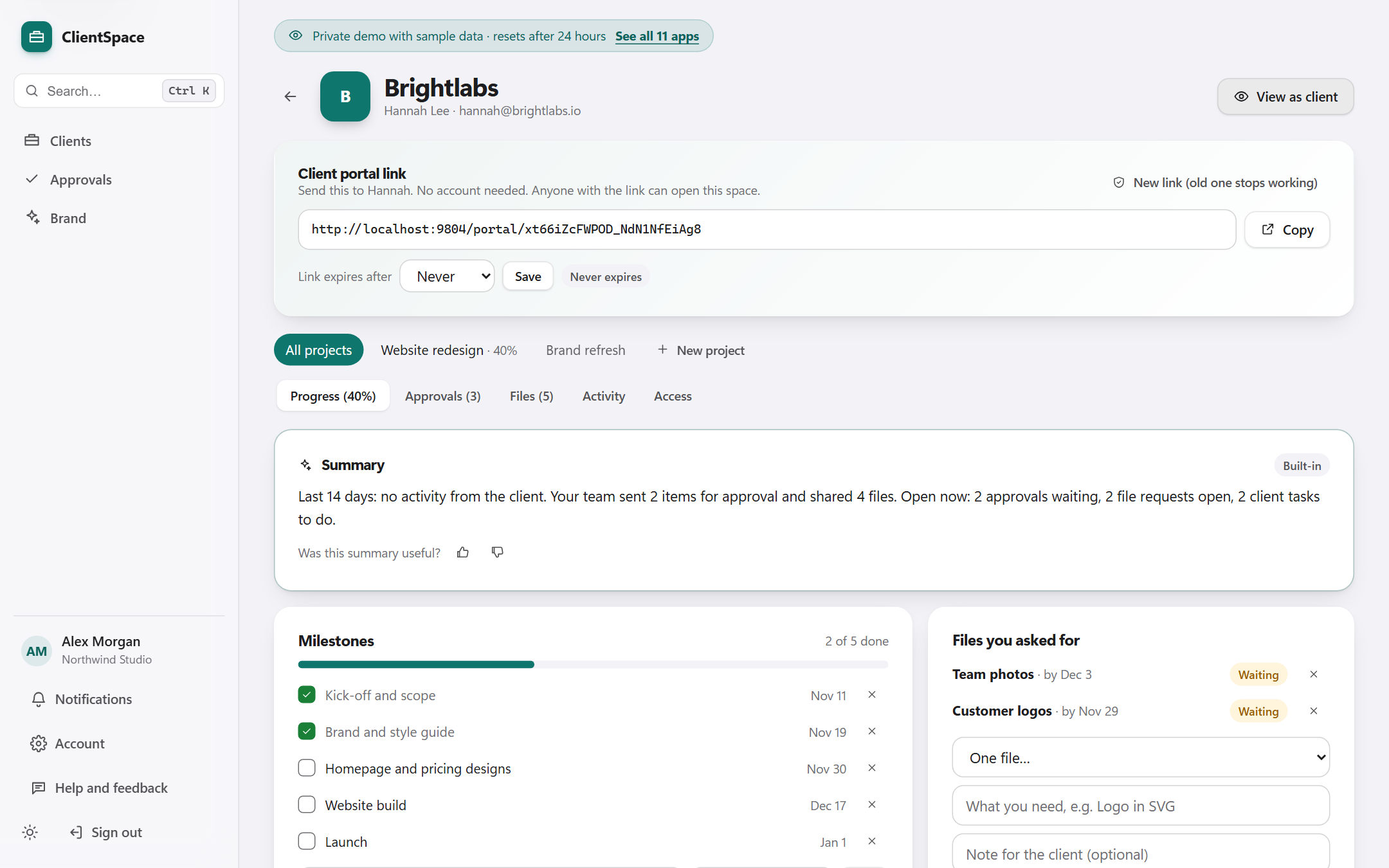
Each client opens their own portal with a secret link.
One-click approvals
Clients approve or request changes with a comment.
Versions
Send version 2, 3, 4 after feedback.
File sharing
Both sides upload files.
Safe by design
File types are checked from their bytes, links can be replaced at any time.
Activity log
Every upload, approval and comment is recorded with who and when.
Private by default
- Each client sees only their own portal.
- Your own private workspace; roles for owners, admins, members and viewers.
- Activity history of important changes.
- Download all your data, or delete your account, from the Account page.
Free to tryThe live demo is free and needs no account. This is a portfolio product: it is not sold yet, so there are no paid plans.
Questions
The client’s link says it expired
Links expire after the number of days set for that client. Make a new link on the client page; the old one stops working.
Does the client need an account?
No. The private link is their access, which is why it can expire and be replaced.
See ClientSpace with real sample data.
One click. Your own private demo. Nothing to install.
Built with
Next.js 16React 19TypeScriptPostgreSQLSupabase StorageSecure share linksVercel